
Turn fleet video into secure, searchable evidence.
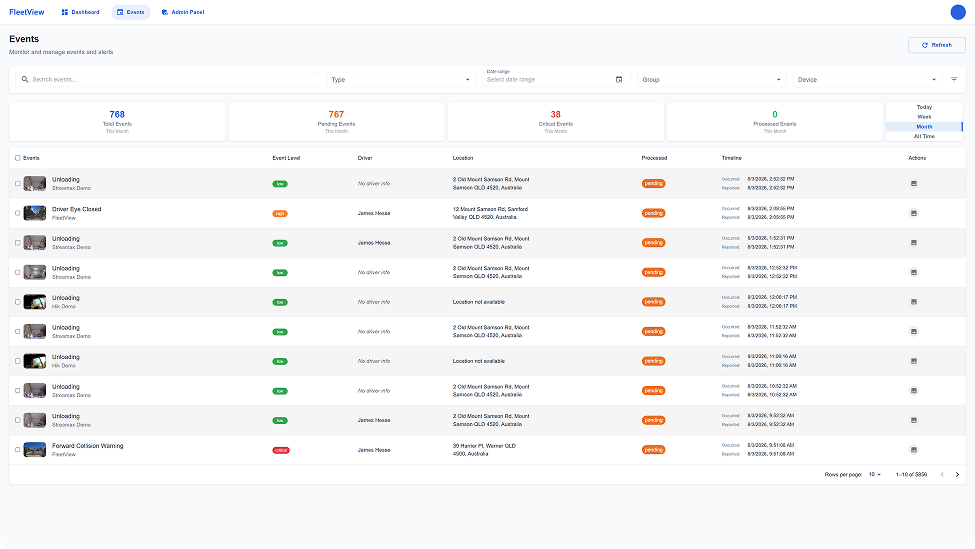
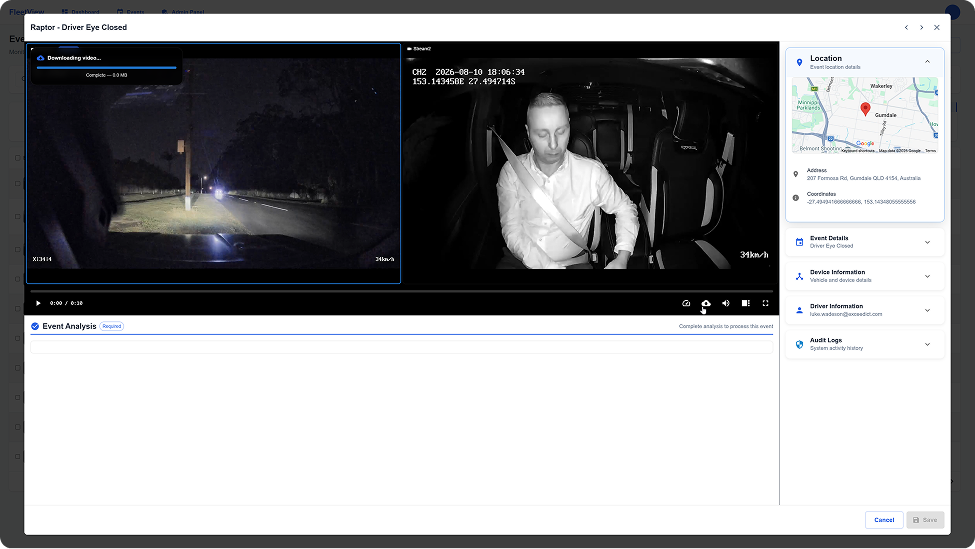
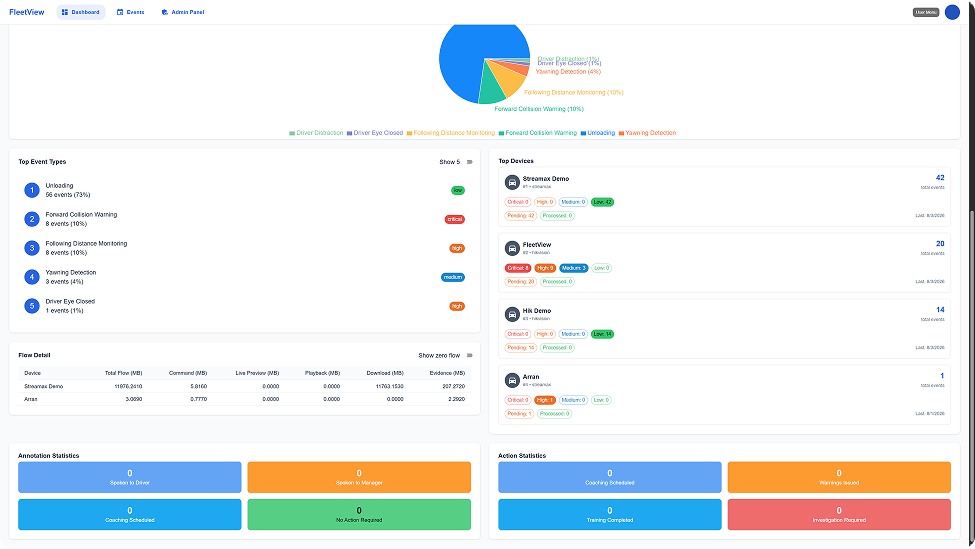
When a collision, complaint, delivery dispute or safety incident occurs, access to video can make the difference between uncertainty and evidence. FleetView supports faster review, clip creation, downloads and evidence workflows so teams can respond with confidence
24/7
GPS
Encrypted
Stop relying on driver recollection. Start relying on footage.
When incidents happen, accounts differ. FleetView gives your safety and operations teams objective, timestamped video evidence with GPS context — so you can reconstruct exactly what happened, without ambiguity.
- Review incidents before contacting insurers
- Resolve third-party disputes with objective footage
- Reduce at-fault determinations and unnecessary excess payments
- Maintain an auditable evidence record for every fleet event
of claims resolved faster with video evidence
quicker incident review vs. manual processes
reduction in at-fault determinations for fleet operators
access to footage from any device, anywhere
Every incident has a story. FleetView helps you see the complete picture.
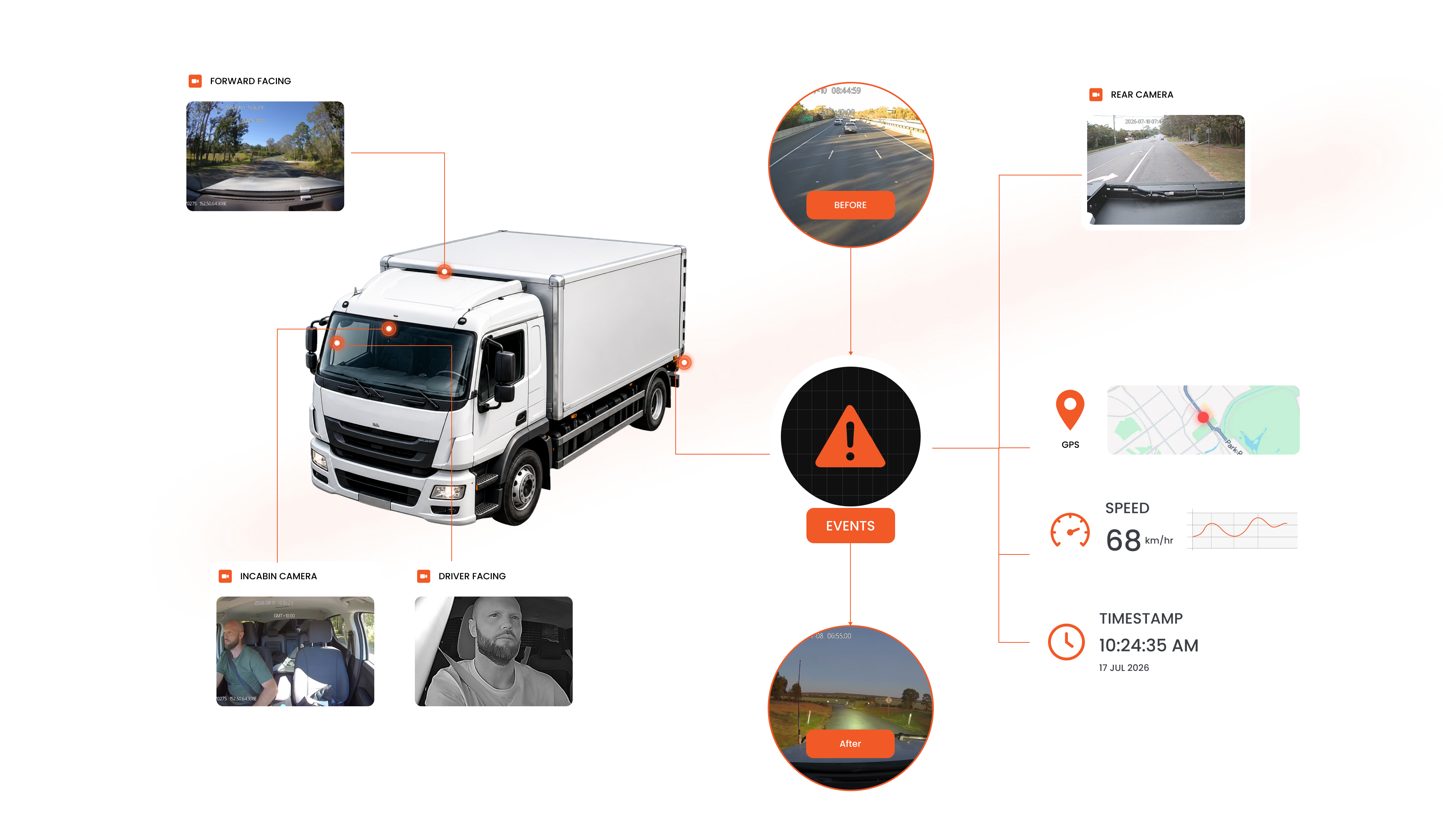
Review incidents in minutes — not hours.
FleetView's evidence workflow takes you from alert to exportable evidence in four steps.
Incident detected
An alert, collision trigger or operator request flags an event for review.
Video retrieved
Cloud playback pulls the relevant footage from on-vehicle or cloud storage.
Clip created
The exact segment is trimmed, tagged and prepared for export or sharing.
Evidence delivered
Securely packaged video, GPS and metadata sent to the relevant party.
Powerful tools for faster incident investigations.
From cloud playback to evidence exports, FleetView helps your team review incidents and respond with confidence.
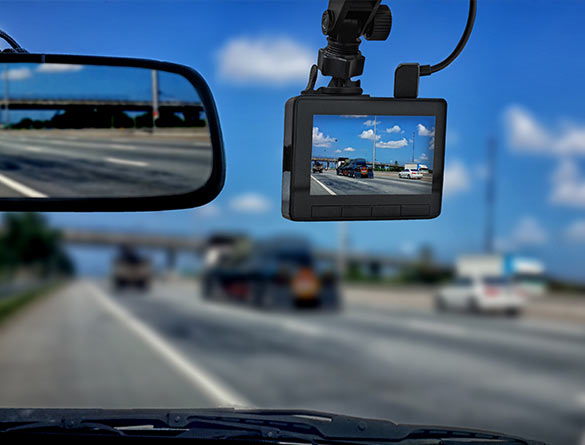
Cloud Playback
Play recorded footage remotely.
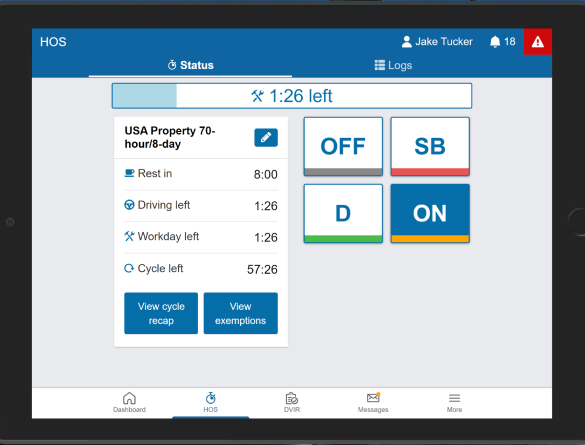
Evidence Downloads
Export securely for insurers or authorities.
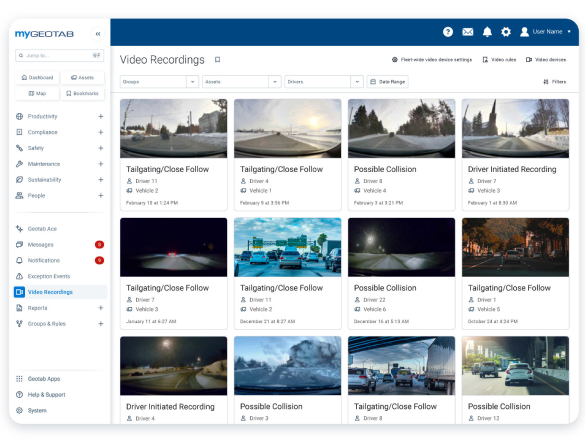
Multi Camera Review
See every angle of the incident.
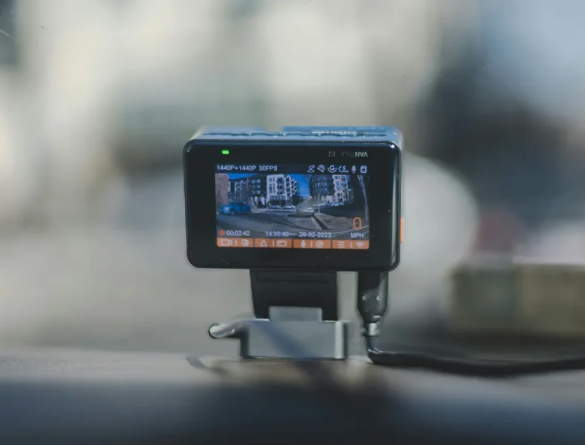
Clip Creation
Cut exactly the footage you need.
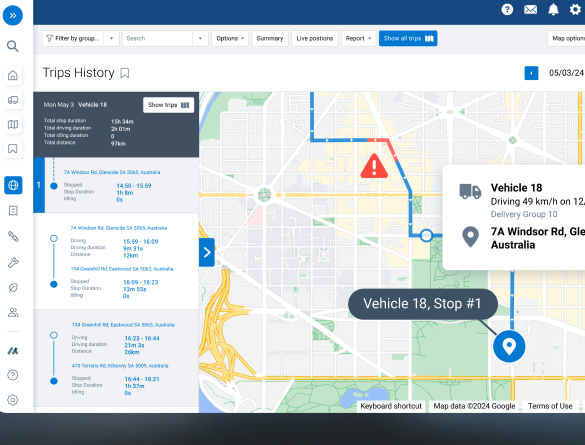
GPS Timeline
Know where and when events occurred.
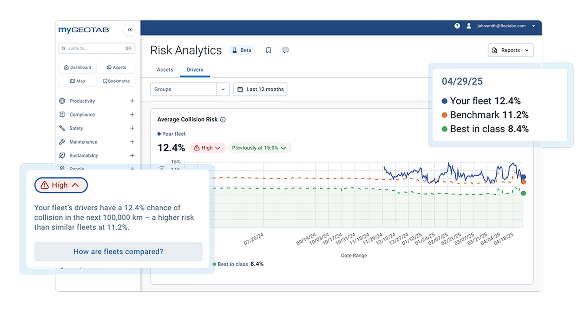
Event Search
Search incidents by driver, vehicle or date.
Frequently asked questions
How does fatigue detection work?
FleetView supports camera configurations with driver monitoring capabilities that can detect indicators of fatigue, such as prolonged eye closure, yawning, or signs of reduced attention. When supported features are enabled, safety teams can review these events alongside video evidence to determine the appropriate response.
Can FleetView support coaching?
Yes. FleetView provides objective video evidence and event context that help managers review incidents, identify driving behaviours, and conduct fair, evidence-based coaching conversations. The platform supports continuous safety improvement by helping teams recognise both risks and positive driving behaviours.
Can drivers access recordings?
Driver access to recordings depends on your organisation's policies and system configuration. FleetView is designed to provide authorised users with secure access to video footage while supporting privacy and compliance requirements.
Can we configure alerts?
Yes. FleetView supports configurable alerts and workflows to help organisations align notifications with their operational and safety requirements. Available options may vary depending on the camera hardware and system configuration.
How many cameras are supported?
FleetView supports a range of camera configurations, from a single dash camera to multi-camera vehicle systems. The ideal setup depends on your vehicle type, operational needs, and the level of visibility required for safety, security, and compliance.
See FleetView in action
Book a demo and we'll show you how FleetView fits your fleet, your cameras and your existing systems.
Book a Demo