
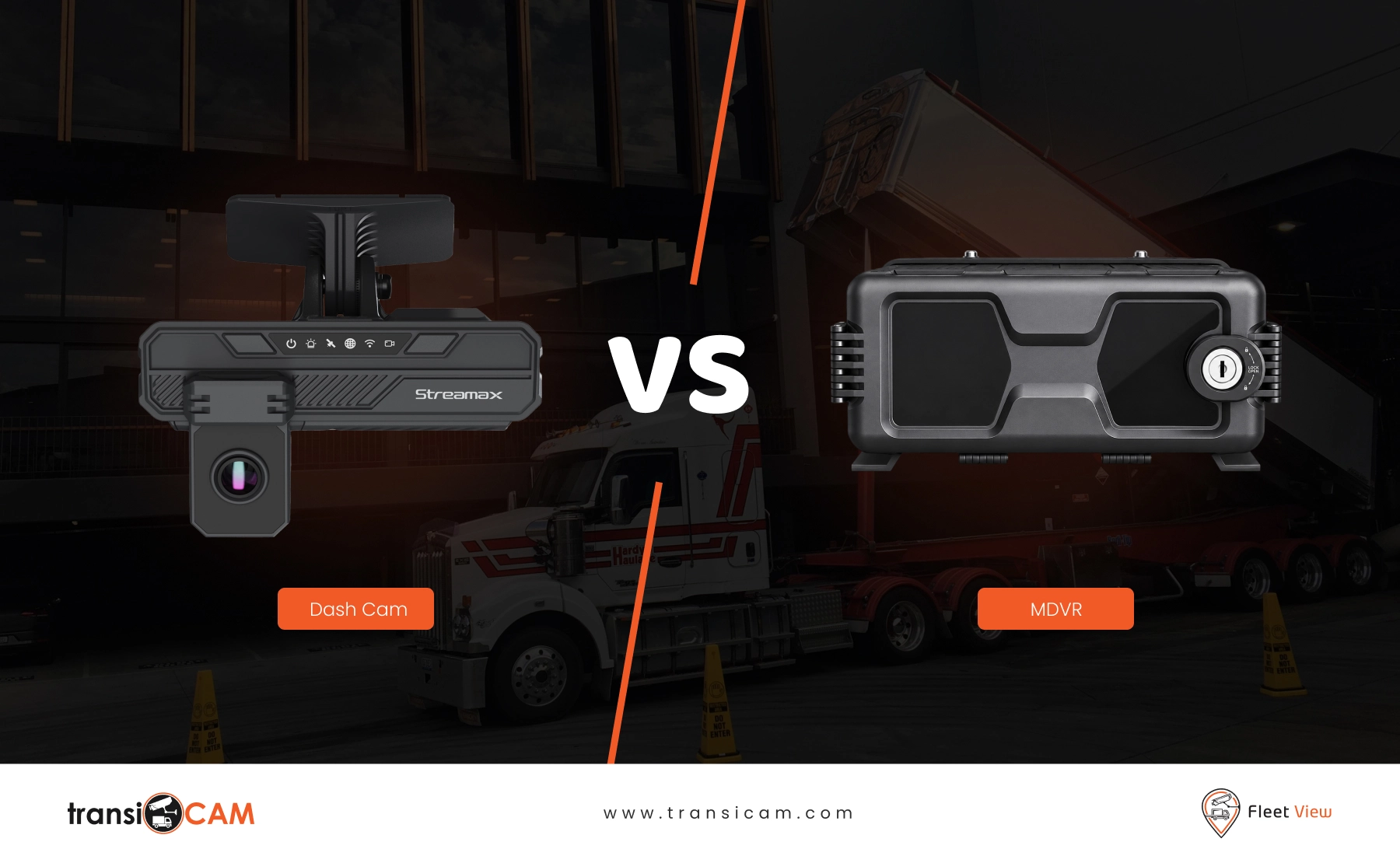
Choosing a fleet camera system is not simply a question of buying the most advanced hardware available.
The right solution depends on what you need to see, the risks surrounding your vehicles and how your team needs to access footage after an event.
For some fleets, a connected dash cam provides sufficient visibility. For others, especially those operating buses, heavy vehicles or specialist assets, a multi-camera MDVR system may be more appropriate.
Understanding the difference can help you avoid paying for unnecessary complexity or installing a system that misses the footage your organisation actually needs.
What Is a Fleet Dash Cam?
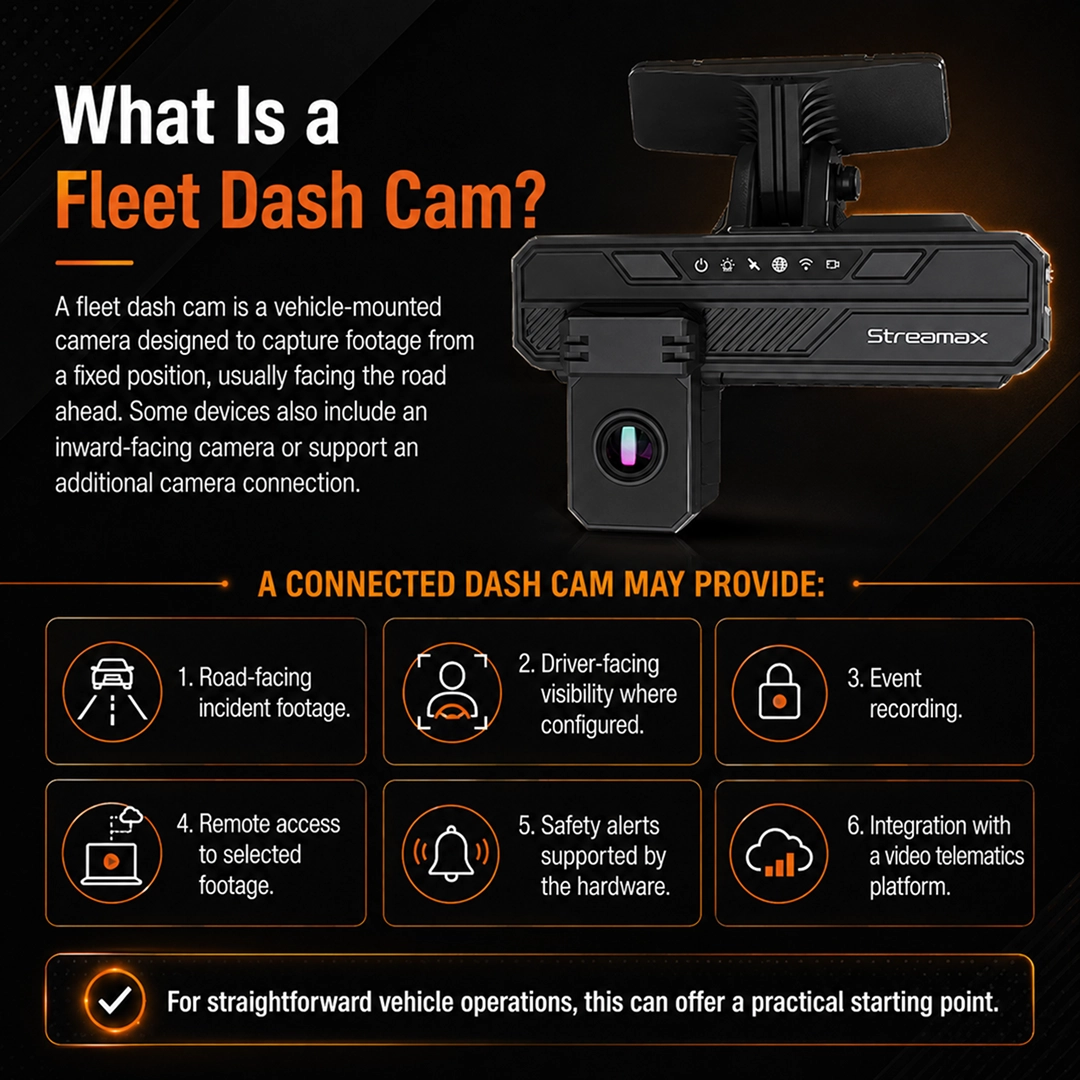
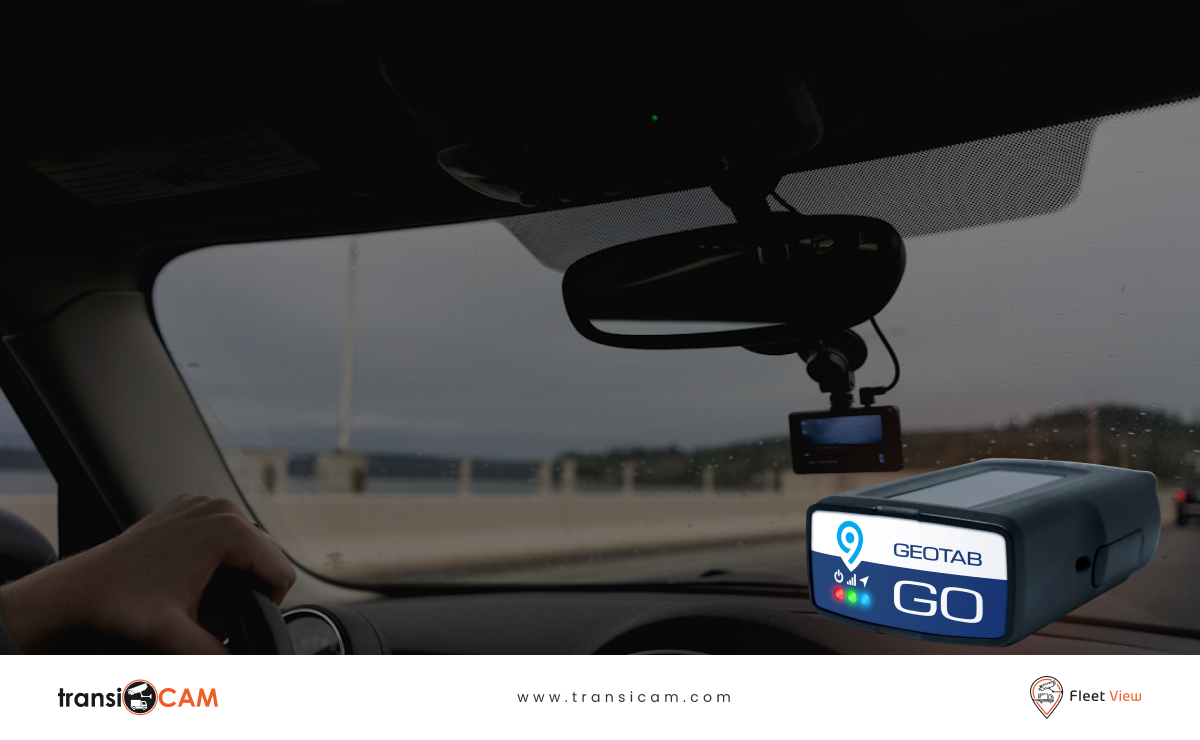
A fleet dash cam is a vehicle-mounted camera designed to capture footage from a fixed position, usually facing the road ahead.
Some devices also include an inward-facing camera or support an additional camera connection.
A connected dash cam may provide:
- Road-facing incident footage.
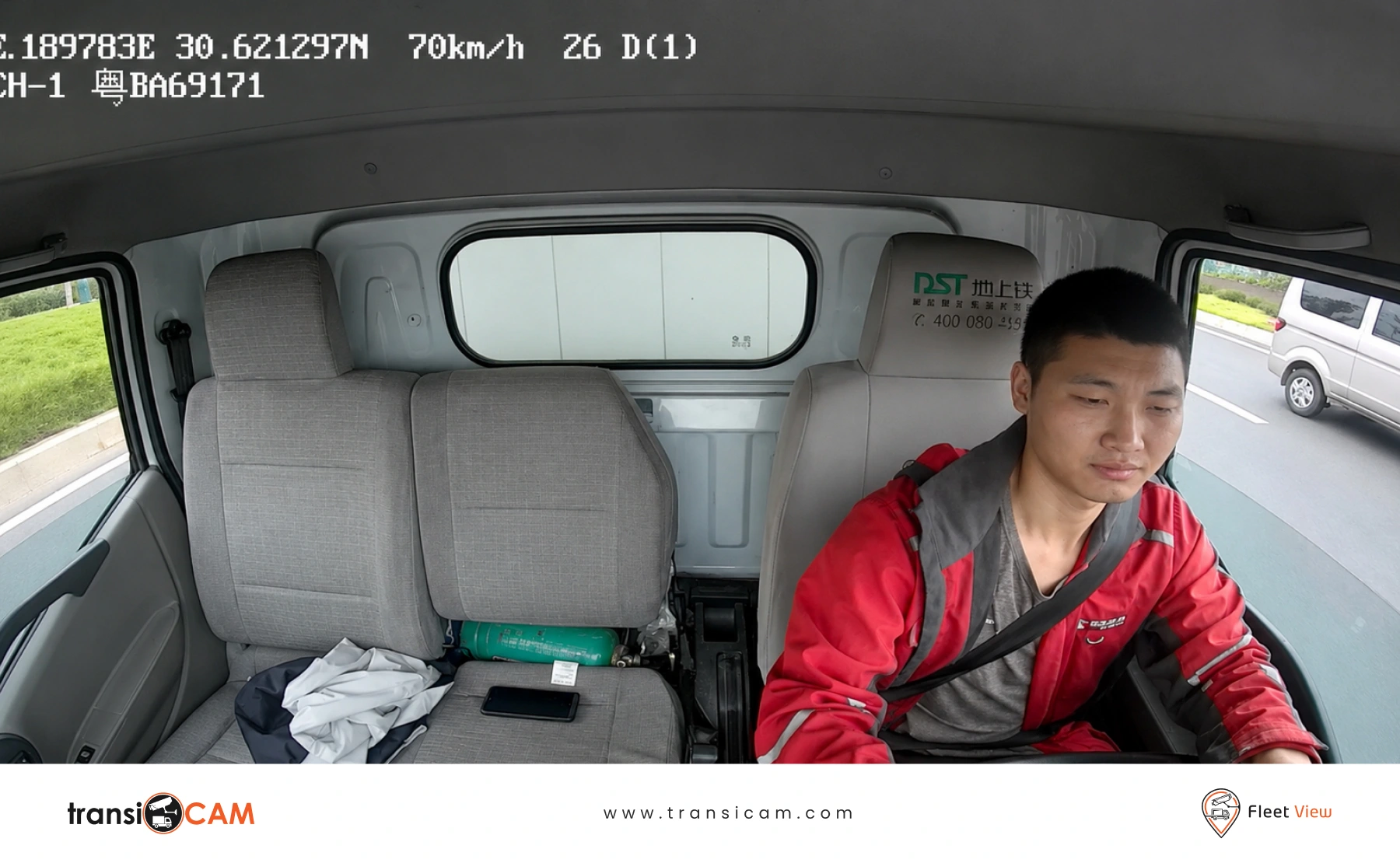
- Driver-facing visibility where configured.
- Event recording.
- Remote access to selected footage.
- Safety alerts supported by the hardware.
- Integration with a video telematics platform.
For straightforward vehicle operations, this can offer a practical starting point.
What Is an MDVR System?
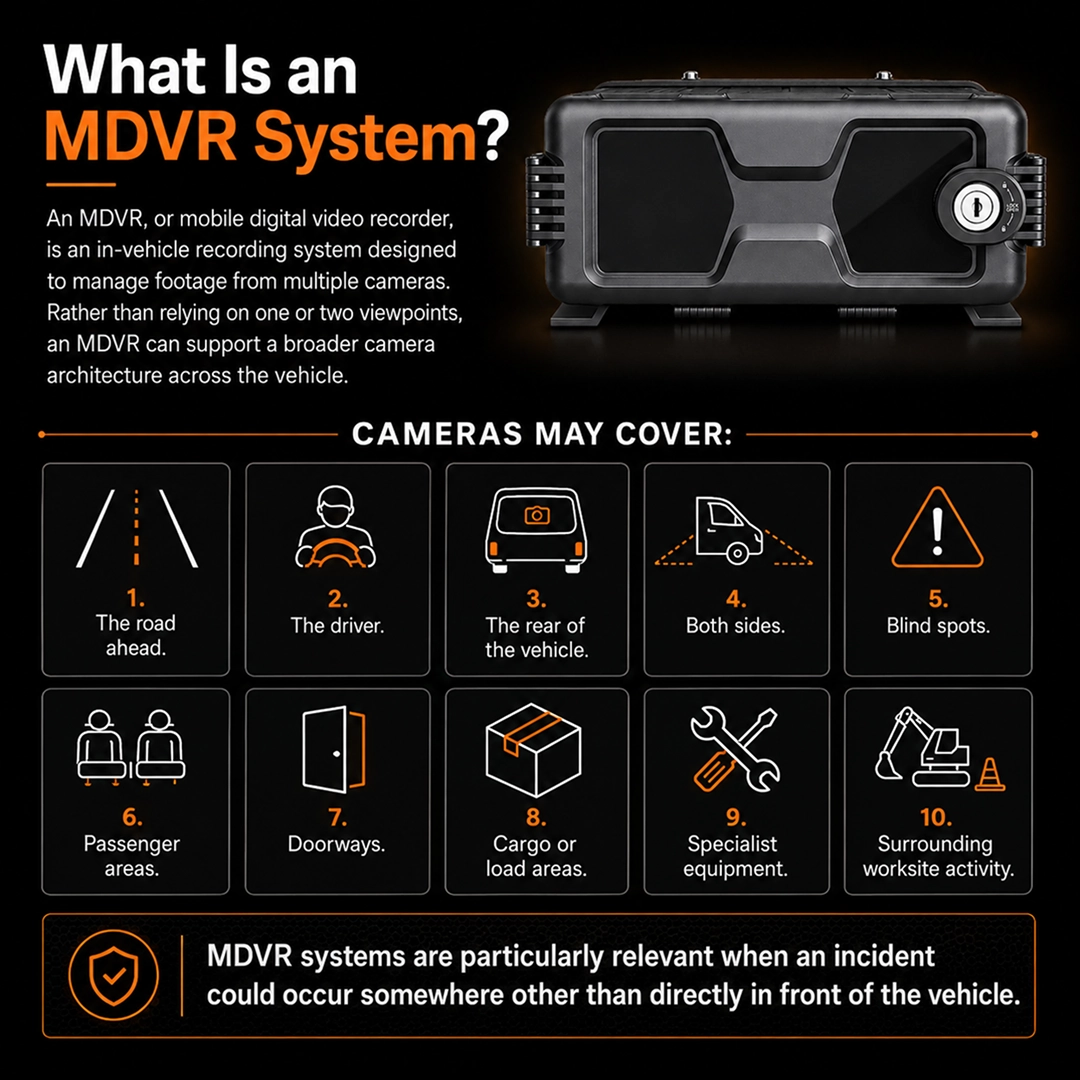
An MDVR, or mobile digital video recorder, is an in-vehicle recording system designed to manage footage from multiple cameras.
Rather than relying on one or two viewpoints, an MDVR can support a broader camera architecture across the vehicle.
Depending on the system design, cameras may cover:
- The road ahead.
- The driver.
- The rear of the vehicle.
- Both sides.
- Blind spots.
- Passenger areas.
- Doorways.
- Cargo or load areas.
- Specialist equipment.
- Surrounding worksite activity.
MDVR systems are particularly relevant when an incident could occur somewhere other than directly in front of the vehicle.
The Main Difference Between Dash Cams and MDVR Systems
The most important distinction is coverage.
A dash cam generally focuses on a limited number of viewpoints. An MDVR is designed to coordinate several cameras across different zones of the vehicle.
However, the decision also involves installation requirements, footage management, vehicle complexity and operational risk.
A small delivery van operating on urban roads may need clear forward-facing footage and occasional incident review.
A passenger bus may require coverage across the road, driver, entry doors, passenger cabin and rear of the vehicle.
A mining vehicle may need visibility around blind spots, equipment, worksite interactions and specialist operating areas.
These are different problems requiring different solutions.
When a Dash Cam May Be Enough
A connected dash cam may suit your fleet when:
- The primary concern is road-facing incident evidence.
- Vehicles are relatively small and straightforward.
- Side, rear and cabin visibility are not critical.
- Your team needs a practical entry point into video telematics.
- Installation needs to remain relatively simple.
- The main objective is reviewing collisions or near misses.
Typical applications may include:
- Light commercial vehicles.
- Sales and service vehicles.
- Smaller delivery vans.
- Passenger cars used for business travel.
- Individual operator vehicles.
Even in these environments, the ability to retrieve footage efficiently should be considered before selecting hardware.
When an MDVR System Makes More Sense
A multi-camera MDVR system may be more suitable when vehicle activity needs to be monitored across several areas.
Relevant situations can include:
- Heavy vehicles operating around pedestrians and cyclists.
- Buses and coaches transporting passengers.
- Trucks requiring side and rear visibility.
- Vehicles carrying high-value or sensitive loads.
- Plant and machinery operating on busy worksites.
- Specialist assets with multiple operational zones.
- Fleets managing frequent complaints or complex incident investigations.
An MDVR system is particularly useful when a single forward-facing camera would not capture the event that matters most.
Comparing Common Fleet Camera Configurations
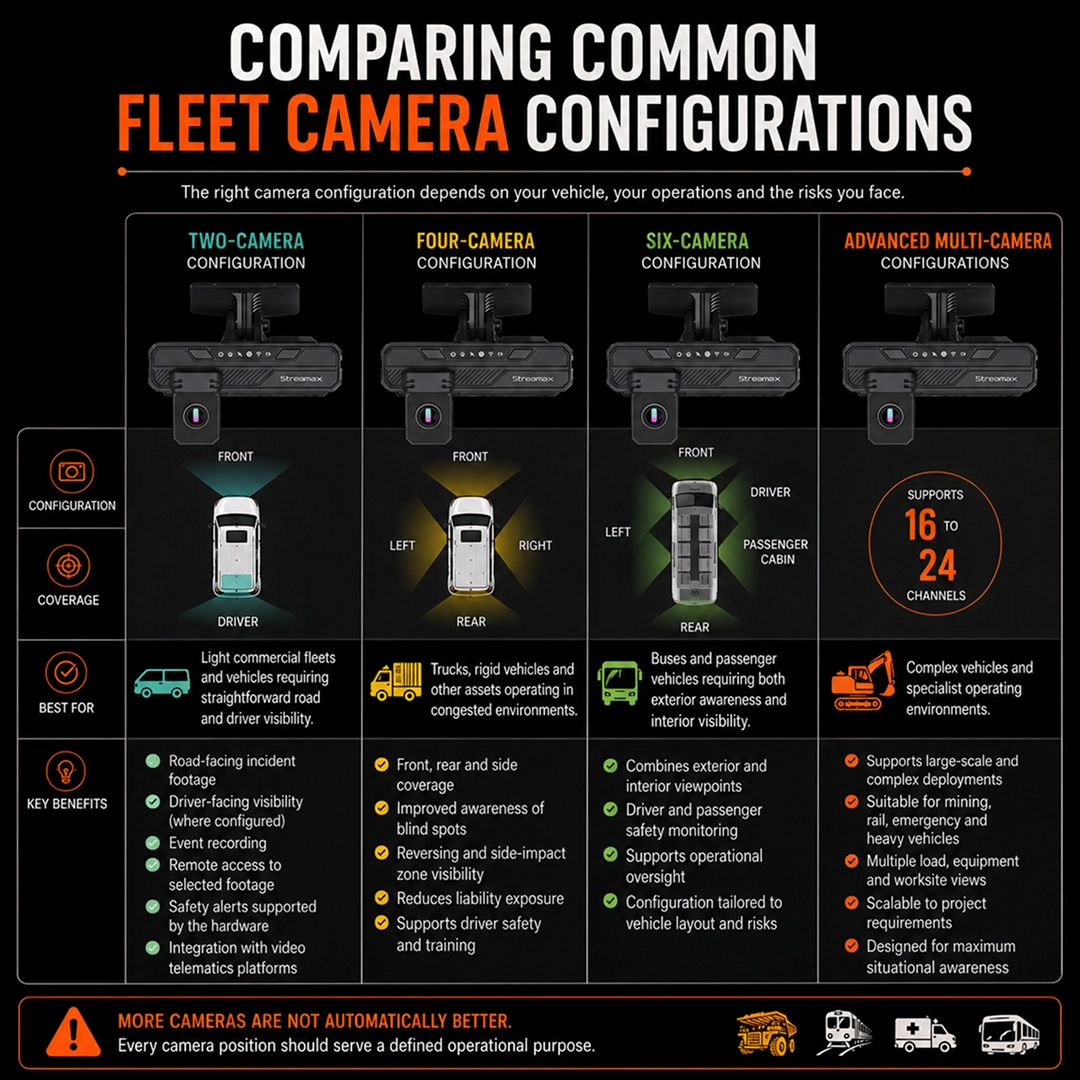
Two-Camera Configuration
A two-camera setup usually covers the road ahead and the driver.
This arrangement can support basic incident review and driver safety discussions.
It may suit light commercial fleets or vehicles requiring straightforward road and driver visibility.
Four-Camera Configuration
A four-camera system often covers the front, rear and both sides of the vehicle.
This can provide broader awareness around blind spots, reversing areas and side-impact zones.
It may suit trucks, rigid vehicles and other assets operating in congested environments.
Six-Camera Configuration
A six-camera system can combine exterior coverage with additional internal viewpoints.
For example, a bus may require:
- Forward-facing road coverage.
- Rear coverage.
- Left-side visibility.
- Right-side visibility.
- Driver visibility.
- Passenger cabin coverage.
The exact arrangement should reflect the vehicle layout and relevant operating risks.
Advanced Multi-Camera Configurations
Larger MDVR systems can support more complex vehicles and specialist operating environments.
Depending on the hardware and project requirements, deployments can extend to 16 channels or up to 24 channels.
These configurations may suit:
- Mining plant.
- Rail assets.
- Emergency vehicles.
- Complex passenger transport environments.
- Specialist heavy vehicles.
- Vehicles requiring multiple load or equipment views.
More cameras are not automatically better. Every camera position should serve a defined operational purpose.
Questions to Ask Before Choosing a Fleet Camera System
What Incidents Are You Trying to Investigate?
If your biggest risk involves reversing collisions, a forward-facing dash cam alone may not provide sufficient evidence.
If passenger complaints are a regular concern, cabin and doorway coverage may be more relevant.
Who Needs Access to Footage?
Consider whether footage is reviewed by fleet managers, safety teams, depot supervisors or incident investigators.
The platform should support practical access for authorised users.
How Quickly Do You Need Footage?
Some situations require prompt review, particularly when an insurer, customer or internal safety team requests information.
Understand whether footage can be accessed remotely and how evidence is retrieved.
What Are the Installation Requirements?
Multi-camera systems require careful planning around:
- Camera placement.
- Cable routing.
- Vehicle power.
- Mounting quality.
- Storage capacity.
- Connectivity.
- Ongoing maintenance.
The best design is one that can be installed professionally and supported throughout the life of the vehicle.
Will the System Scale Across Different Vehicles?
Many organisations operate a mixed fleet.
A suitable provider should be able to recommend different configurations for vans, trucks, buses and specialist assets without forcing every vehicle into the same model.
Why Software Matters as Much as Hardware
A camera system is only useful if your team can access and interpret the footage when needed.
Look beyond the cameras themselves and consider whether the supporting platform enables:
- Recorded video playback.
- Multi-camera review.
- Event search.
- Clip creation.
- Evidence downloads.
- Vehicle and user management.
- Appropriate access controls.
- Integration with existing telematics systems.
A well-planned system combines the right camera coverage with software that supports everyday operational use.
How FleetView Supports Different Fleet Camera Requirements
transiCAM’s multi-camera MDVR solutions are designed around different vehicle types, operating environments and visibility requirements.
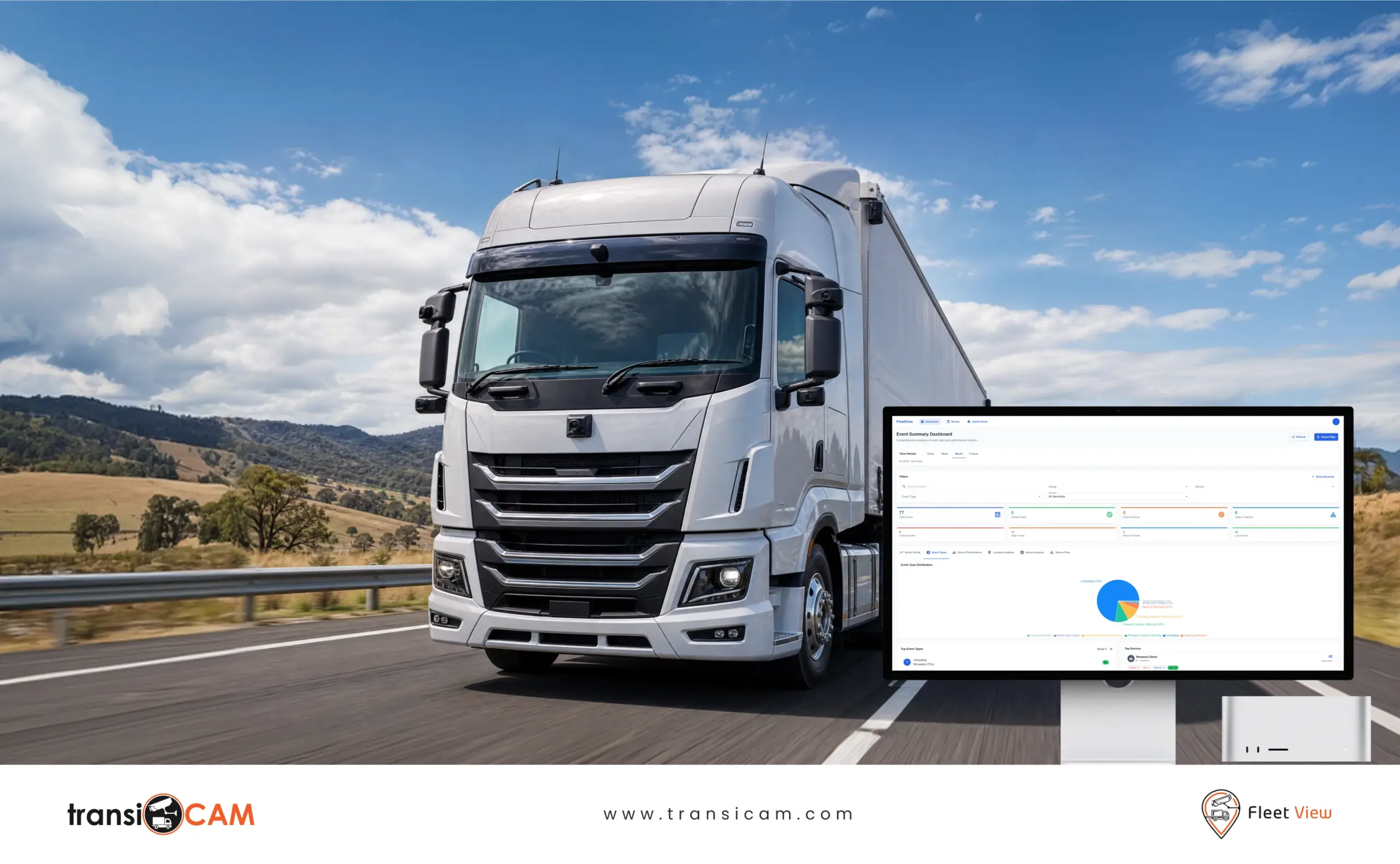
FleetView can support straightforward road-facing configurations as well as broader systems covering drivers, passengers, vehicle sides, rear areas and specialist assets.
For organisations using existing fleet management technology, FleetView for Geotab can also provide a pathway to connect video capability with wider fleet operations.
Frequently Asked Questions
Is an MDVR Better Than a Dash Cam?
Not necessarily. An MDVR may be better for complex vehicles requiring multiple camera angles, while a dash cam may be sufficient for simpler road-facing evidence requirements.
How Many Cameras Can an MDVR Support?
The number depends on the recording hardware and deployment design. FleetView configurations can range from a small number of cameras through to systems supporting up to 24 channels.
Are MDVR Systems Only for Buses?
No. MDVR systems can be used in trucks, mining vehicles, plant, rail assets, specialist fleets and other vehicles requiring broader camera coverage.
Can Dash Cams and MDVR Systems Be Managed in One Platform?
Depending on the selected hardware and platform, different vehicle camera configurations may be managed within a broader video telematics environment.
Do More Cameras Always Mean Better Safety?
No. Camera placement should reflect actual risks and evidence requirements. Poorly positioned cameras or unnecessary complexity may add cost without improving operational outcomes.
Choose a Camera System That Matches Your Fleet
The right fleet camera system should reflect your vehicles, risks and the evidence your team may need after an incident.
Talk to transiCAM about your fleet camera requirements and explore a configuration designed around your operating environment.