
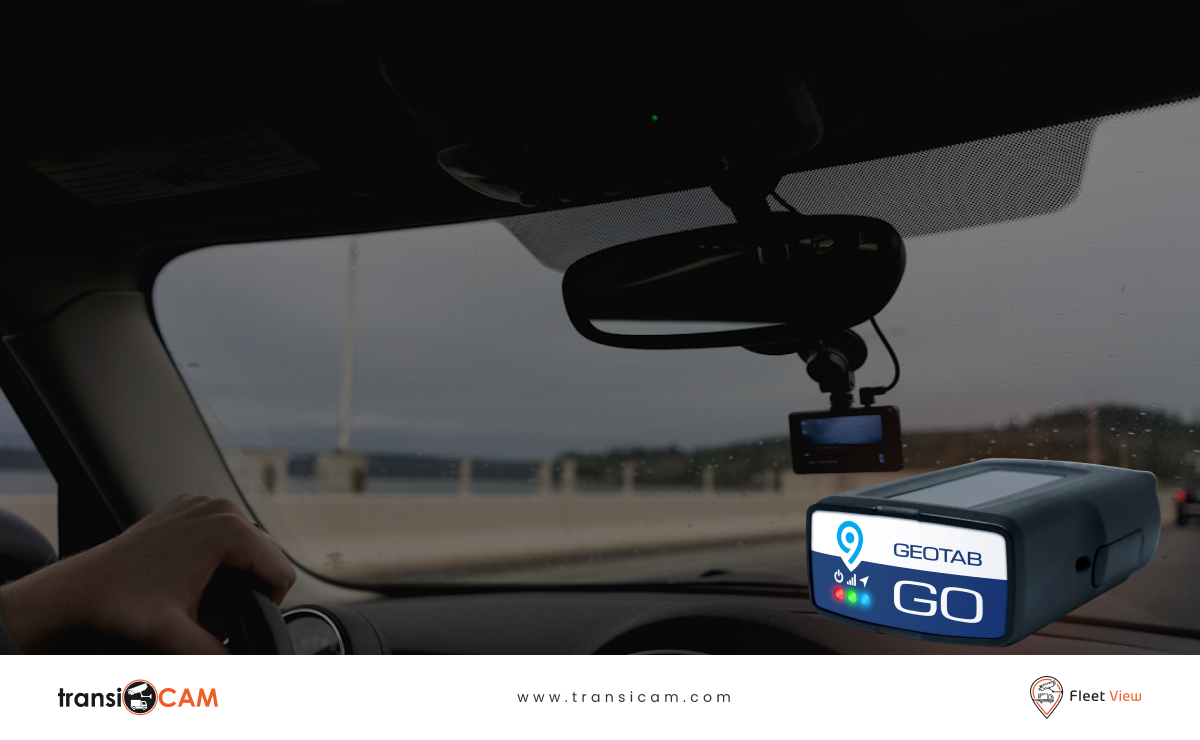
Fleet tracking can show where a vehicle travelled, when it stopped and whether a driving event occurred.
However, when an incident needs to be investigated, location data does not always explain the surrounding circumstances.
Video integration adds visual context to the information fleet teams already use.
For Australian organisations operating with Geotab, connecting vehicle cameras with a compatible video telematics solution can help teams understand incidents more clearly, support driver safety and extend the value of existing fleet technology.
 What Is Geotab Video Integration?
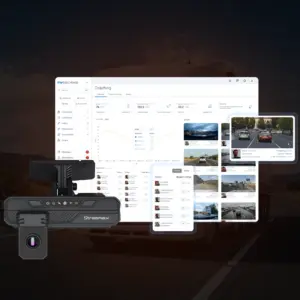
Geotab video integration connects relevant vehicle camera capabilities with a broader Geotab-based fleet environment.
The objective is to bring video context closer to fleet information such as vehicle activity, trip data and operational events.
Rather than relying on separate systems with disconnected records, an integrated approach can help authorised users review the available information surrounding a vehicle event.
The exact experience and available features depend on the selected video platform, hardware and integration configuration.
Why GPS Data Alone Does Not Tell the Full Story
Imagine a vehicle records a harsh braking event.
Telematics data may show:
- The time the event occurred.
- The vehicle involved.
- Its location.
- Relevant movement or driving information.
However, the data may not explain why the driver braked.
Road-facing footage could reveal that:
- Another vehicle unexpectedly changed lanes.
- A pedestrian stepped into the road.
- Debris appeared ahead.
- Traffic stopped suddenly.
- The driver avoided a more serious incident.
Without video, the event might be interpreted incorrectly.
With video, the same event can be assessed more fairly and accurately.
Practical Benefits of Combining Geotab and Video Telematics
More Informed Incident Reviews
When a collision, near miss or complaint occurs, fleet teams need more than a point on a map.
Video provides a visual record that may help clarify the circumstances surrounding the event.
This can support better internal decisions and more informed communication with relevant stakeholders.
Stronger Driver Protection
A professional driver may be blamed for an incident despite responding appropriately to another road user’s actions.
Road-facing footage can provide additional evidence that supports a fair assessment.
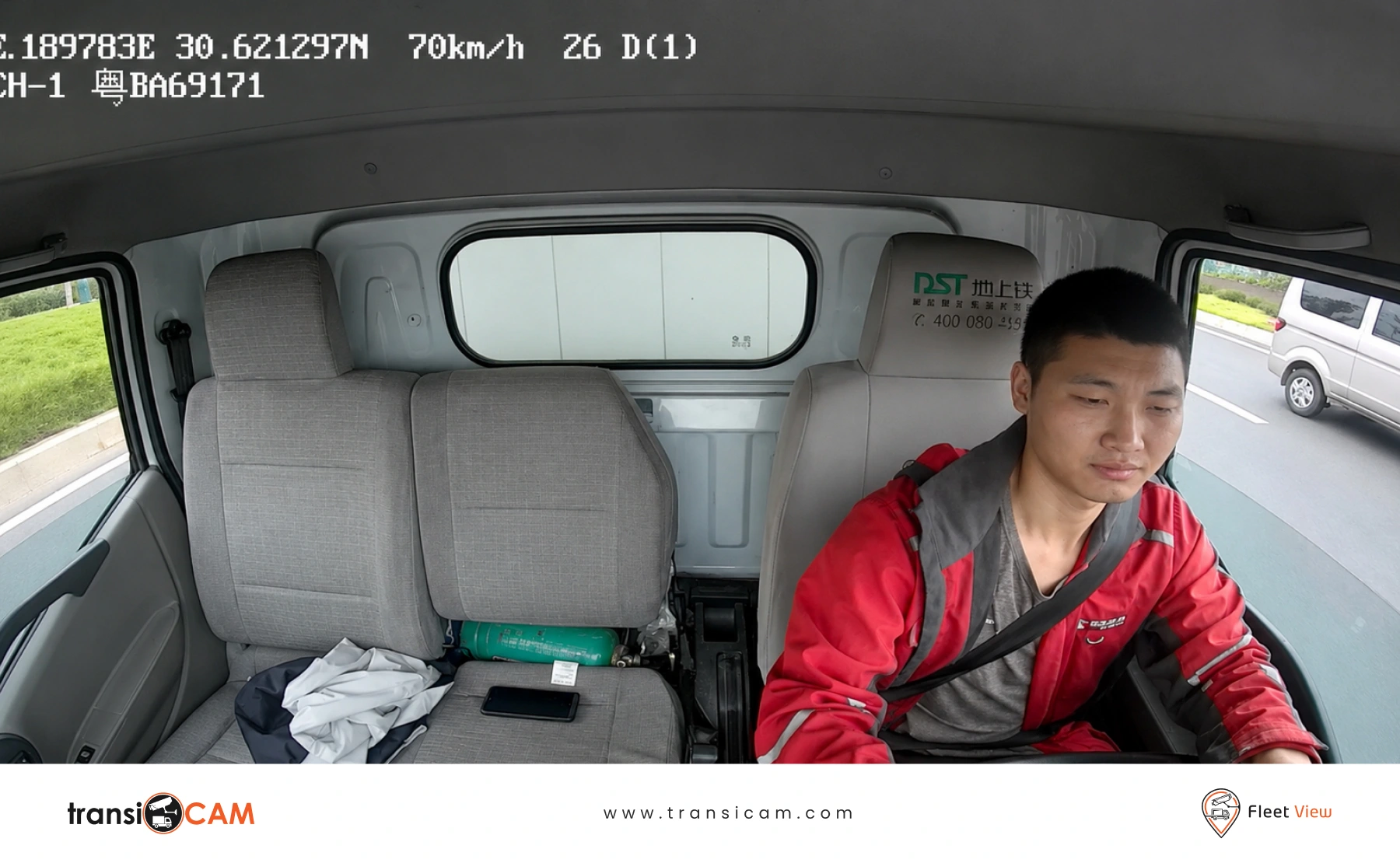
Where driver-facing cameras are installed, internal footage may also help explain the driver’s response.
Better Safety Event Context
A driving alert is more useful when managers can understand what was happening around the vehicle.
Video may help identify whether an event resulted from:
- Traffic conditions.
- Environmental hazards.
- A genuine driving concern.
- Another road user’s behaviour.
- An unavoidable emergency response.
This allows coaching conversations to focus on the actual situation rather than assumptions.
Expanded Visibility for Mixed Fleets
Many Australian organisations operate a combination of passenger vehicles, vans, trucks, buses and specialist assets.
An appropriate video integration can support different camera configurations across these vehicles while maintaining a consistent operational approach.
Reduced Fragmentation Across Fleet Tools
Using several disconnected systems can make incident review unnecessarily difficult.
A connected approach can help fleet teams work with video and existing operational information in a more coordinated way.
What Camera Configurations Can Support Geotab-Connected Fleets?
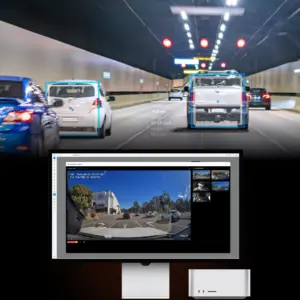 The right camera configuration depends on the vehicle and risk profile.
Common options include:
- Forward-facing cameras for road incidents.
- Driver-facing cameras for safety event review.
- Side cameras for blind-spot visibility.
- Rear cameras for reversing and manoeuvring.
- Passenger cabin cameras for buses and coaches.
- Load-area cameras for delivery and asset monitoring.
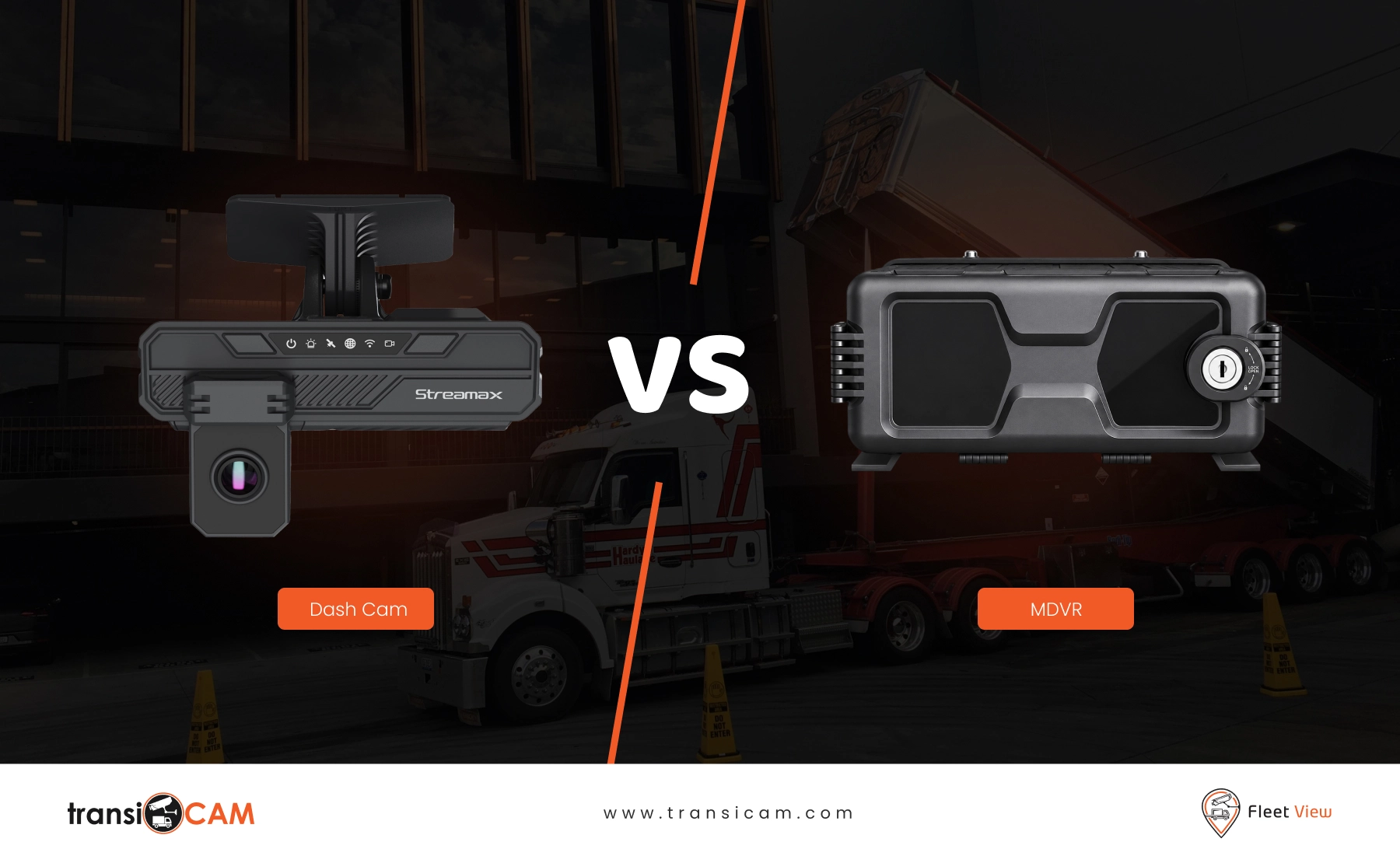
- Multi-camera MDVR systems for complex vehicles.
A delivery fleet may prioritise forward-facing footage, while a construction contractor may require multiple external views around heavy vehicles.
Geotab Video Integration for Transport and Logistics
Transport operators often manage demanding schedules, long-distance routes and frequent interactions with customers.
Combining telematics and camera footage can help teams review:
- Road collisions.
- Near misses.
- Freight-related disputes.
- Driver safety events.
- Vehicle movements around delivery locations.
- Questions about incidents involving other road users.
The ability to examine visual evidence alongside fleet information can support a more complete understanding of operational events.
Geotab Video Integration for Government and Council Fleets
Council and public sector vehicles operate in environments where incidents may involve members of the public, community infrastructure or field-based employees.
Integrated video can support:
- Staff protection.
- Review of public complaints.
- Investigation of vehicle incidents.
- Operational accountability.
- Evidence handling across mixed vehicle fleets.
Appropriate access controls and internal governance remain important when handling footage involving employees or members of the public.
Geotab Video Integration for Heavy Vehicles and Specialist Assets
A basic forward-facing camera may not provide enough information for a heavy vehicle operating on a construction site or around pedestrians.
Multi-camera configurations can provide additional visibility across vehicle sides, reversing areas, blind spots and specialist equipment.
For organisations already using Geotab, a compatible video solution can extend existing fleet visibility without requiring every operational process to be rebuilt from the beginning.
What Should You Consider Before Integrating Video With Geotab?
Vehicle and Camera Requirements
Determine which vehicles need cameras and what each camera should capture.
A single standard configuration may not suit every asset in a mixed fleet.
Operational Workflows
Identify who will review footage, how incidents are escalated and what information should be retained.
Hardware Compatibility
Confirm that the selected cameras, recording devices and software support the required deployment.
User Access and Privacy
Vehicle footage can include sensitive information involving drivers, passengers and members of the public.
Clear policies should define who can access footage and how it will be used.
Installation and Support
Professional installation, suitable camera positioning and reliable ongoing support are essential to a successful rollout.
Scalability
Consider whether the solution can grow from a small number of vehicles to a broader deployment if requirements change.
How FleetView Works Alongside Geotab
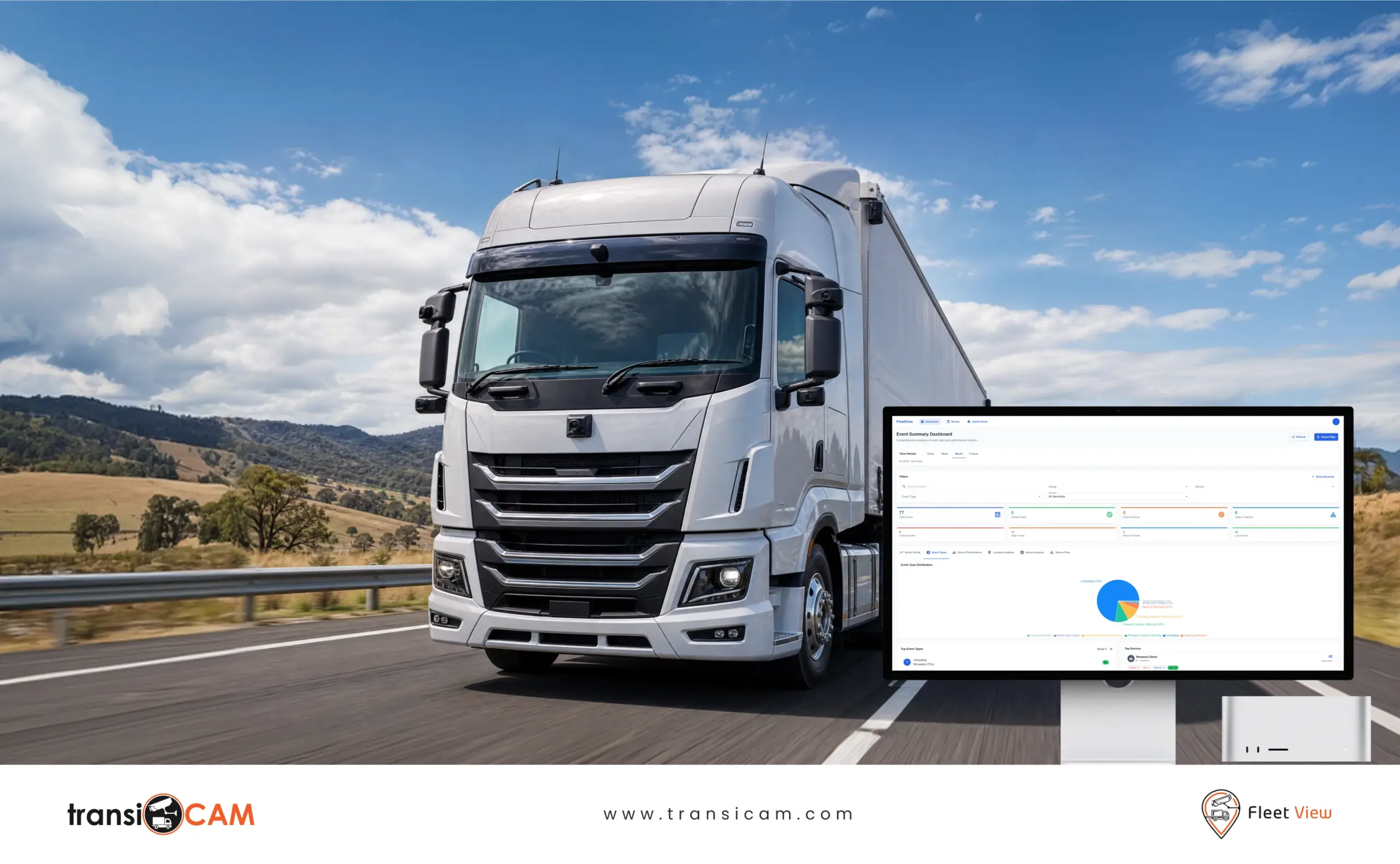
FleetView for Geotab is positioned as a practical video telematics option for organisations seeking to add camera visibility, incident evidence and driver safety insights to a Geotab-connected fleet environment.
FleetView can support different camera configurations, from straightforward road-facing systems to more advanced multi-camera deployments.
For Geotab partners, this also creates an opportunity to offer customers video capability alongside existing fleet technology and operational services.
Frequently Asked Questions
Can Geotab Be Used With Vehicle Cameras?
Geotab-connected fleets can use compatible camera and video telematics solutions, depending on the selected integration and hardware configuration.
Does Video Replace Geotab Tracking?
No. Video complements fleet tracking by adding visual context to vehicle activity and operational events.
Can FleetView Support More Than One Camera?
Yes. FleetView can support different camera configurations, including multi-camera systems designed for more complex vehicles.
Is Geotab Video Integration Suitable for Small Fleets?
It can be, provided the solution matches the fleet’s operational needs and existing technology environment.
Can Geotab Partners Offer FleetView to Customers?
transiCAM provides information for Geotab partners interested in introducing FleetView video telematics as part of their customer offering.
Add Visual Context to Your Existing Fleet Technology
A location marker can show where an incident occurred. Video can help explain what happened.
Book a FleetView for Geotab demonstration to explore how camera footage and fleet information can work together across your vehicles.